
GoXLR Mini.
Fully supported, on all three desktops. Here’s what the Mini shares with its bigger sibling, and what it doesn’t.
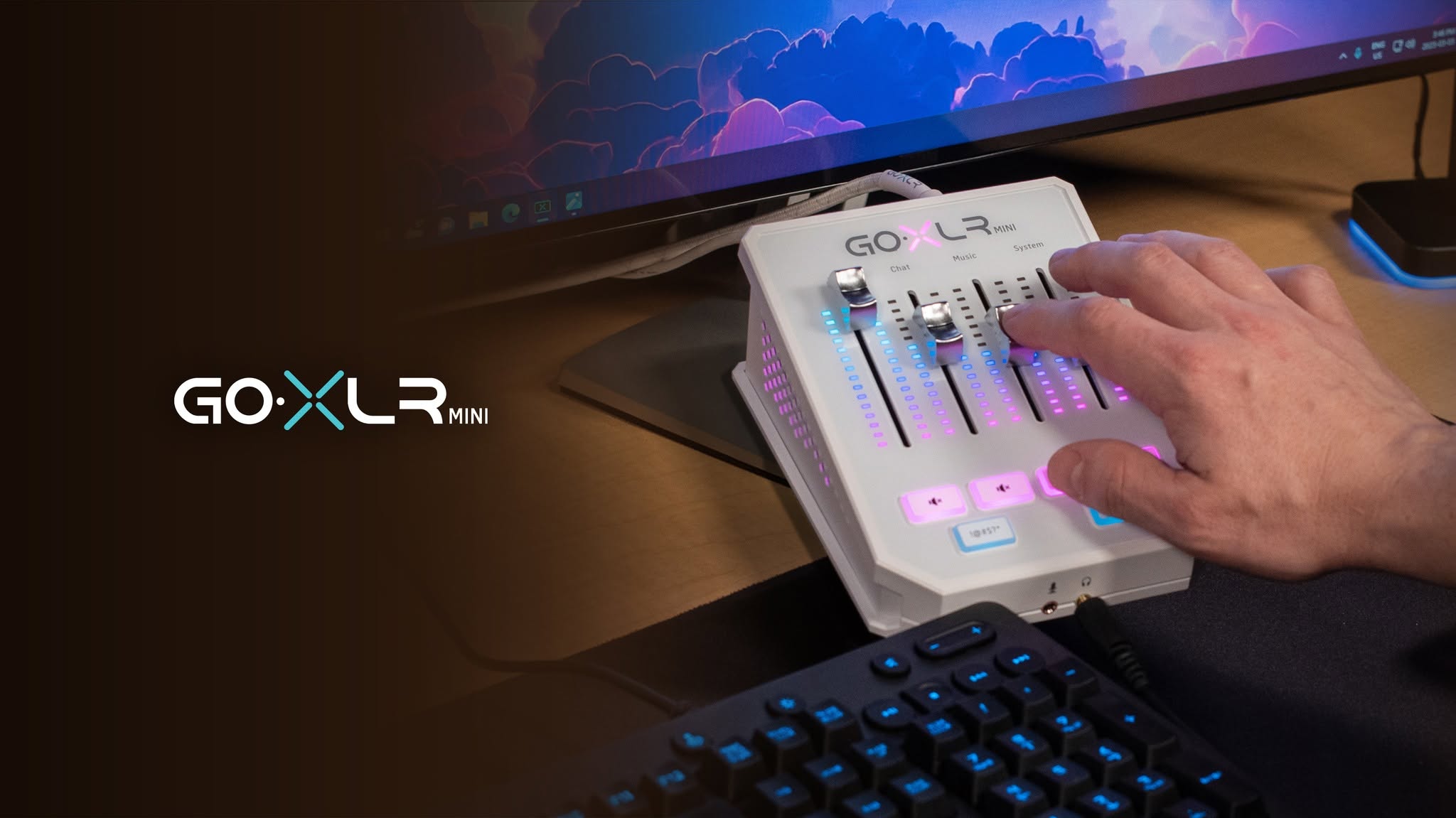
The Utility treats both as first-class
Every release supports the GoXLR and the GoXLR Mini, including firmware-specific behaviour, and you can run more than one device at a time. Where the Mini genuinely lacks a piece of hardware, the app simply doesn’t show that control — nothing is faked, and nothing is missing that the Mini could actually do.
What’s the same
- Four faders.
- The same Midas mic preamp, XLR input, and +48V phantom power.
- Noise gate and compressor.
- Mute buttons and the bleep button.
- Headphone output and a 3.5 mm headset input — front-mounted on the Mini rather than rear.
What the full-size GoXLR adds
- Motorised faders. They physically move when a profile loads. This is also why volume changes behave differently through the API on a full-size unit — the hardware is authoritative.
- The sampler and its pads.
- Voice effects — megaphone, robot, hard tune and the rest.
- LED scribble strips above each fader.
- A de-esser, and a 10-band EQ where the Mini has 6.
Hardware comparison drawn from third-party reviews of the two units rather than manufacturer documentation — check against TC-Helicon’s own specifications before buying.
What that means day to day
If you mostly want clean routing, a well-tuned mic and per-channel lighting, the Mini does all of it and the Utility exposes all of it. The full-size unit is worth it for the sampler, the voice effects, and faders that snap to position when you change profile.
Either way, the routing model is identical — and routing is the part that actually decides what your stream, your chat and your headphones each hear. See how it works.
Mini or full size, same software.
Free and open source, on Windows, Linux and macOS.