Routing
Send any input to any output.
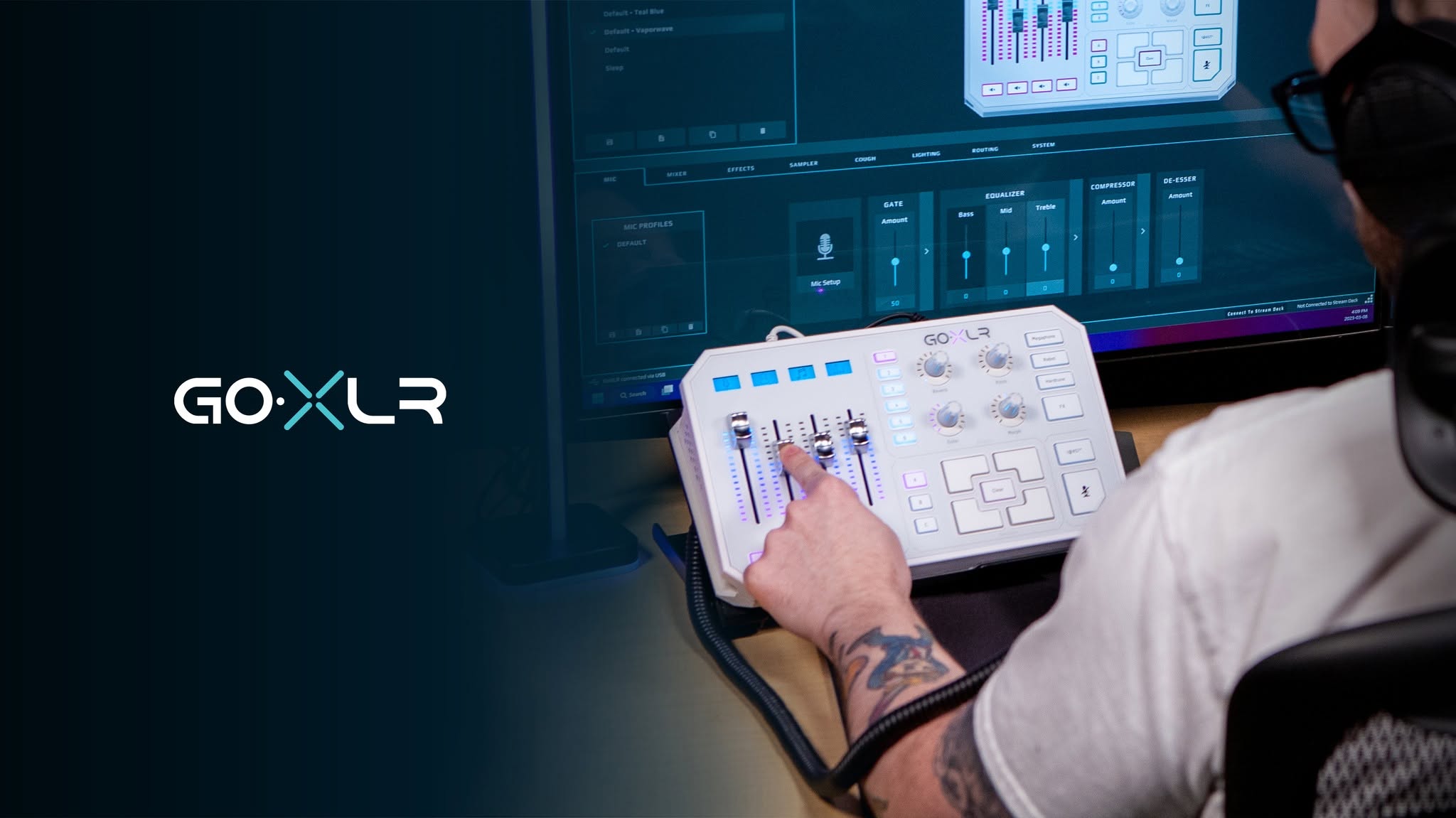
The routing table is the heart of a GoXLR: it decides exactly what your headphones hear, what goes out to the stream, and what lands in your chat app. Tap a cell below to see how it behaves.
| Input | Headphones | Broadcast | Line Out | Chat Mic | Sampler |
|---|
Routes on: 0 / 40
On real hardware, changes apply instantly
Reading the grid
Rows are the eight things making noise. Columns are the five places that noise can go. A lit cell means that input is audible on that output.
- Headphones — what you hear. Usually everything.
- Broadcast — what your stream or recording hears.
- Chat Mic — what Discord and friends hear. Usually mic only.
- Line Out — the physical output on the back.
- Sampler — what gets captured when you record a sample.
Why this matters
The classic mistake is routing Music to Chat Mic. Your friends hear your music, the copyright bot hears it too, and you can’t work out why. Leave that column to the mic.
In the wild
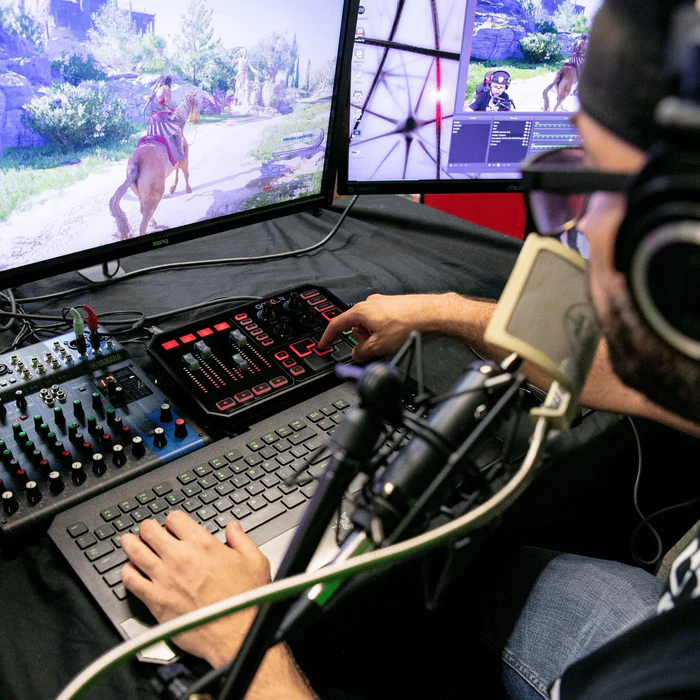
One box between everything you own.
Game audio, chat, music, a capture card and a microphone — all arriving at once, all needing to go somewhere different. That’s the whole job.